Twenty years of writing, coming home
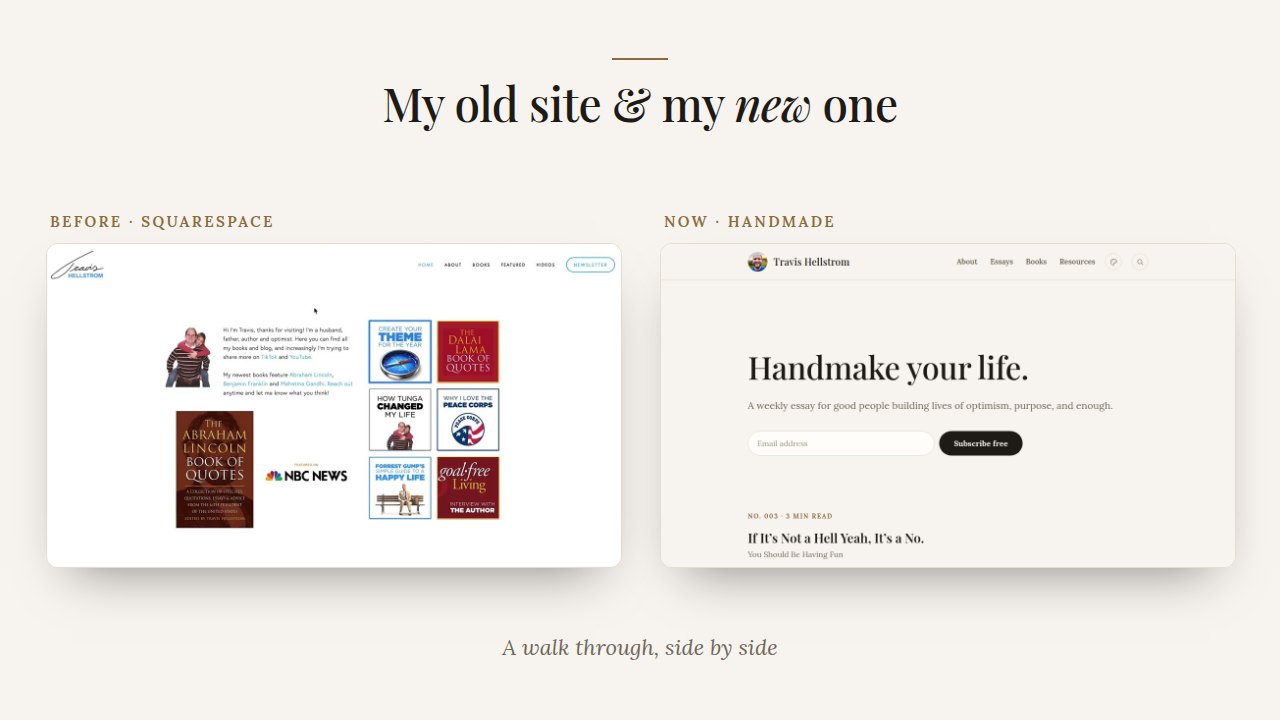
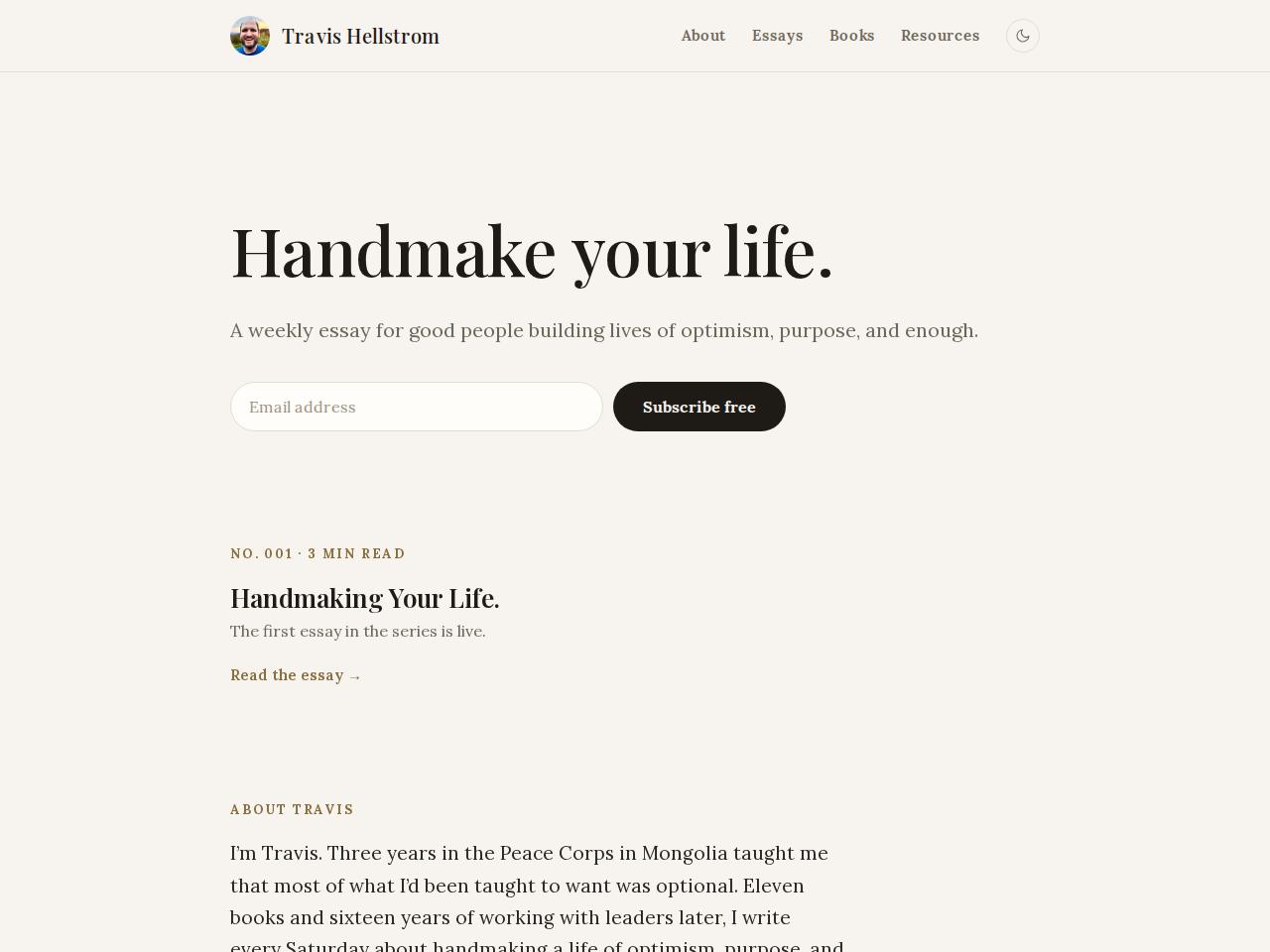
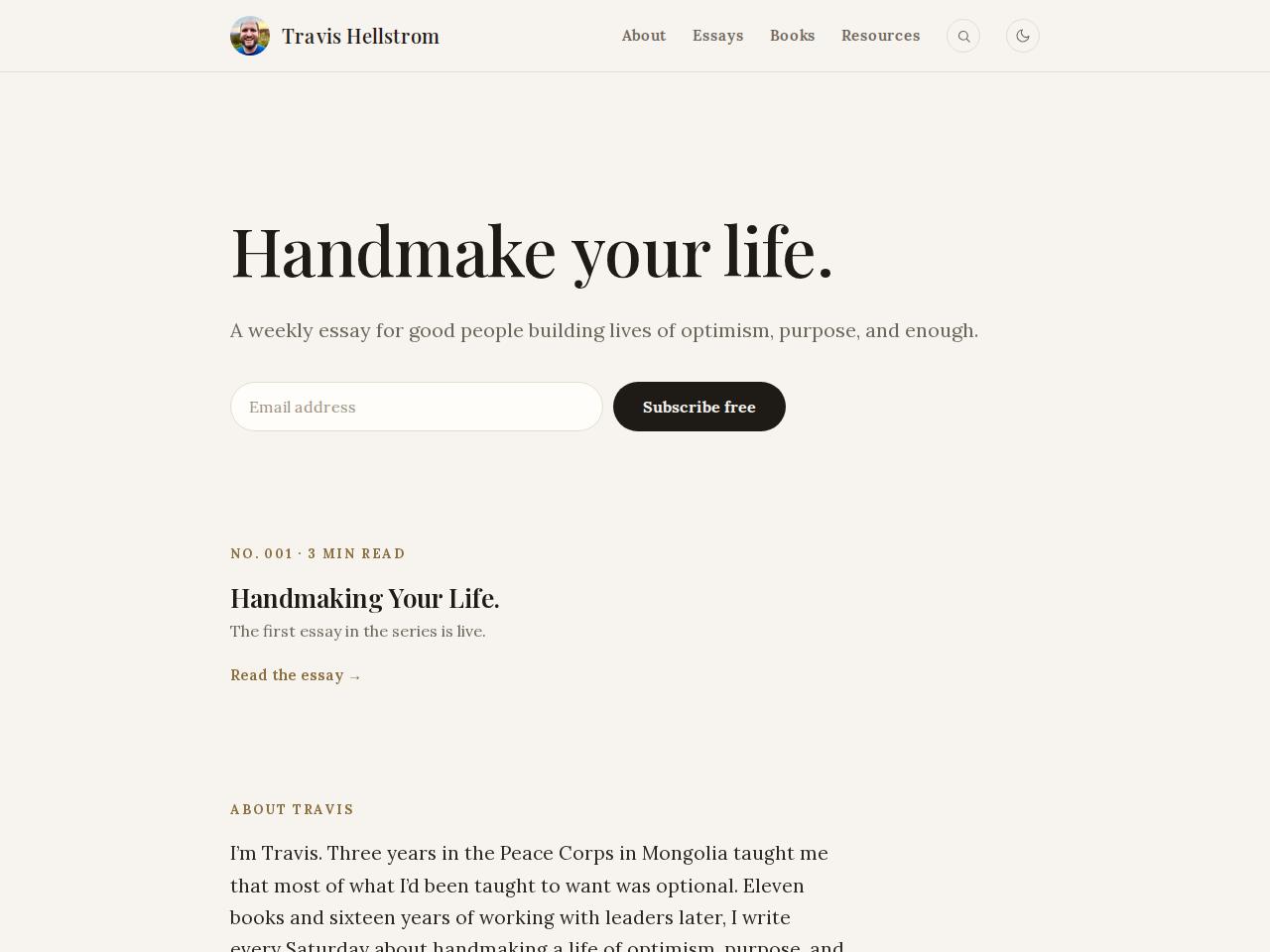
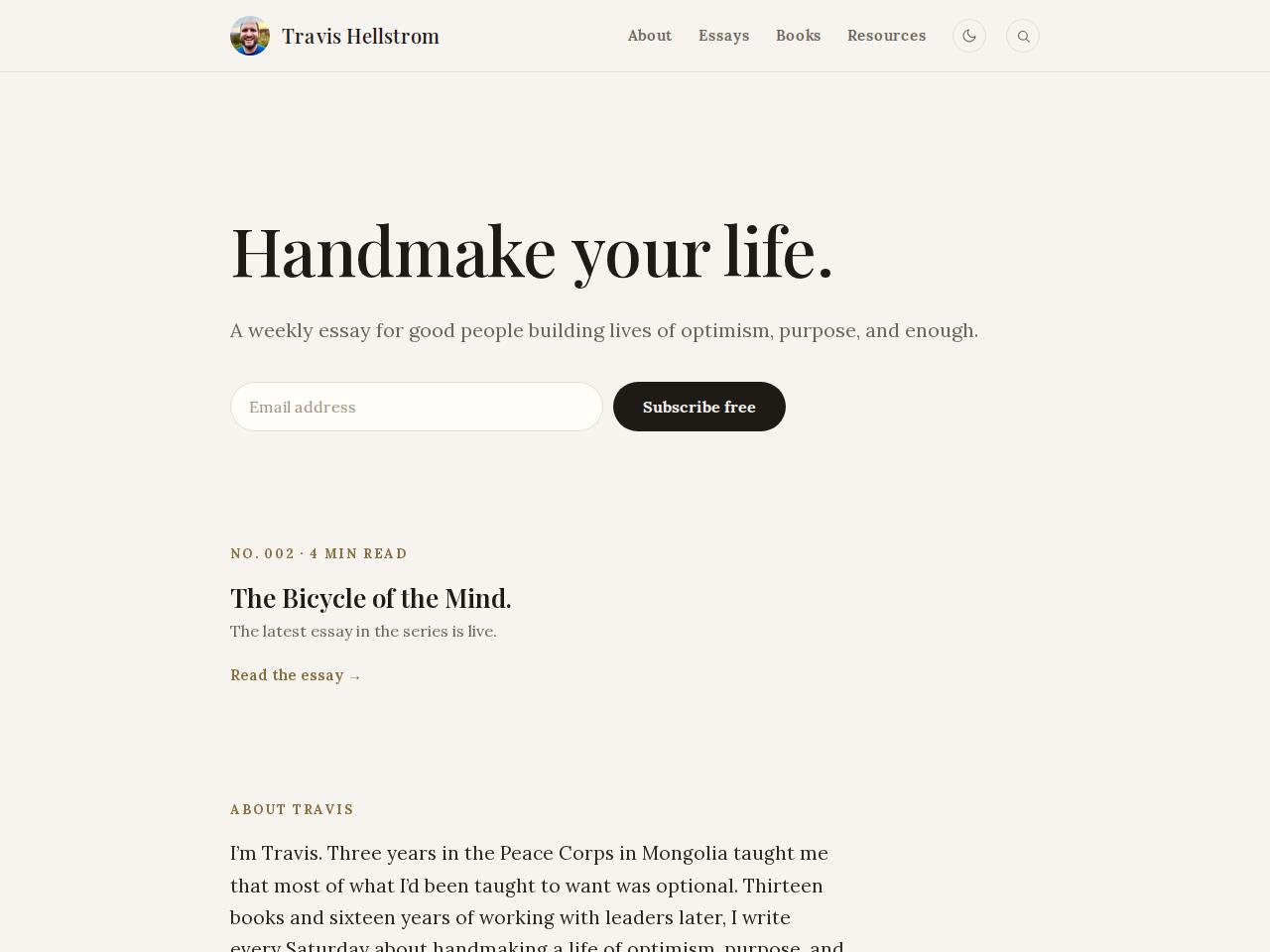
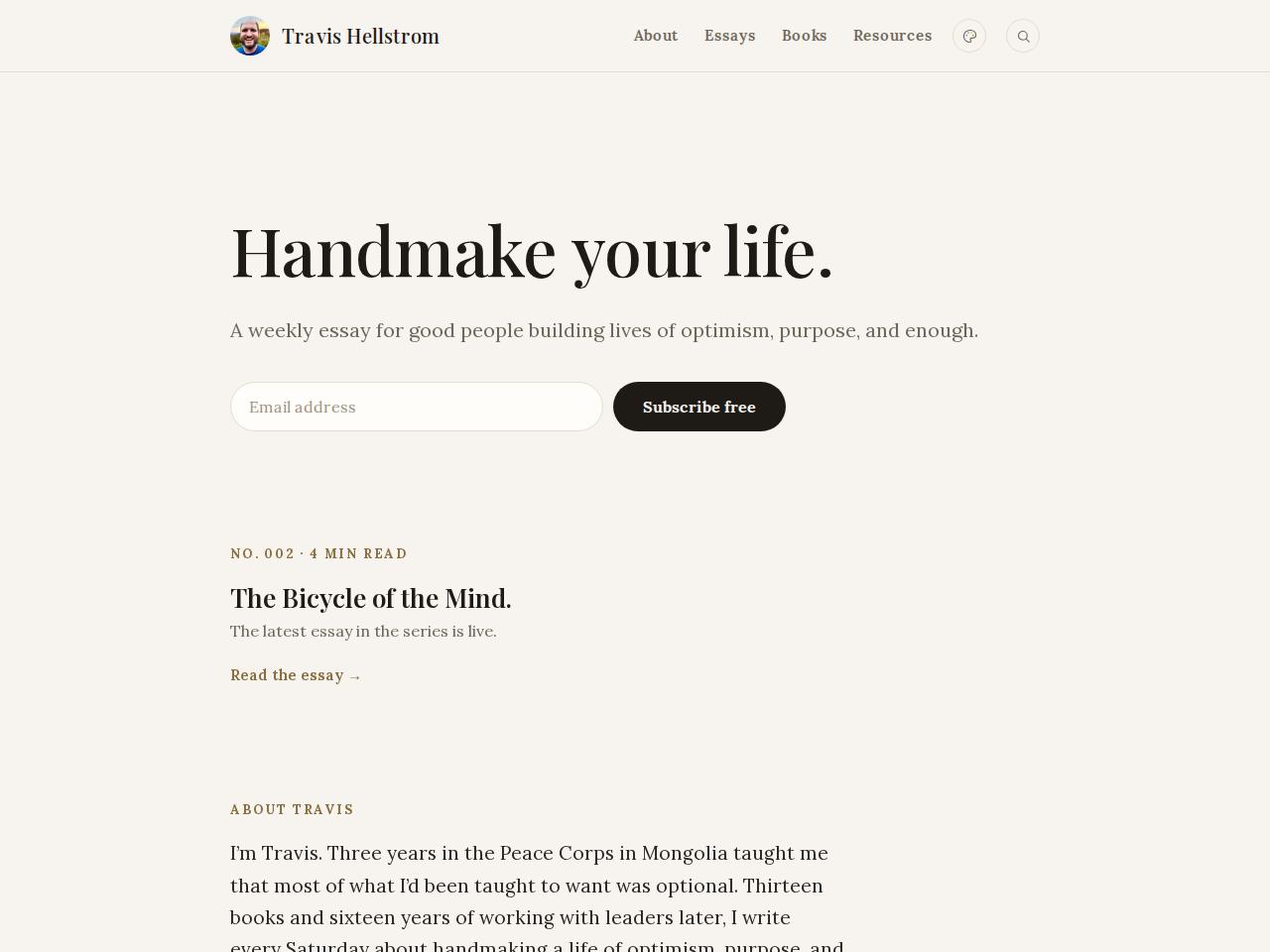
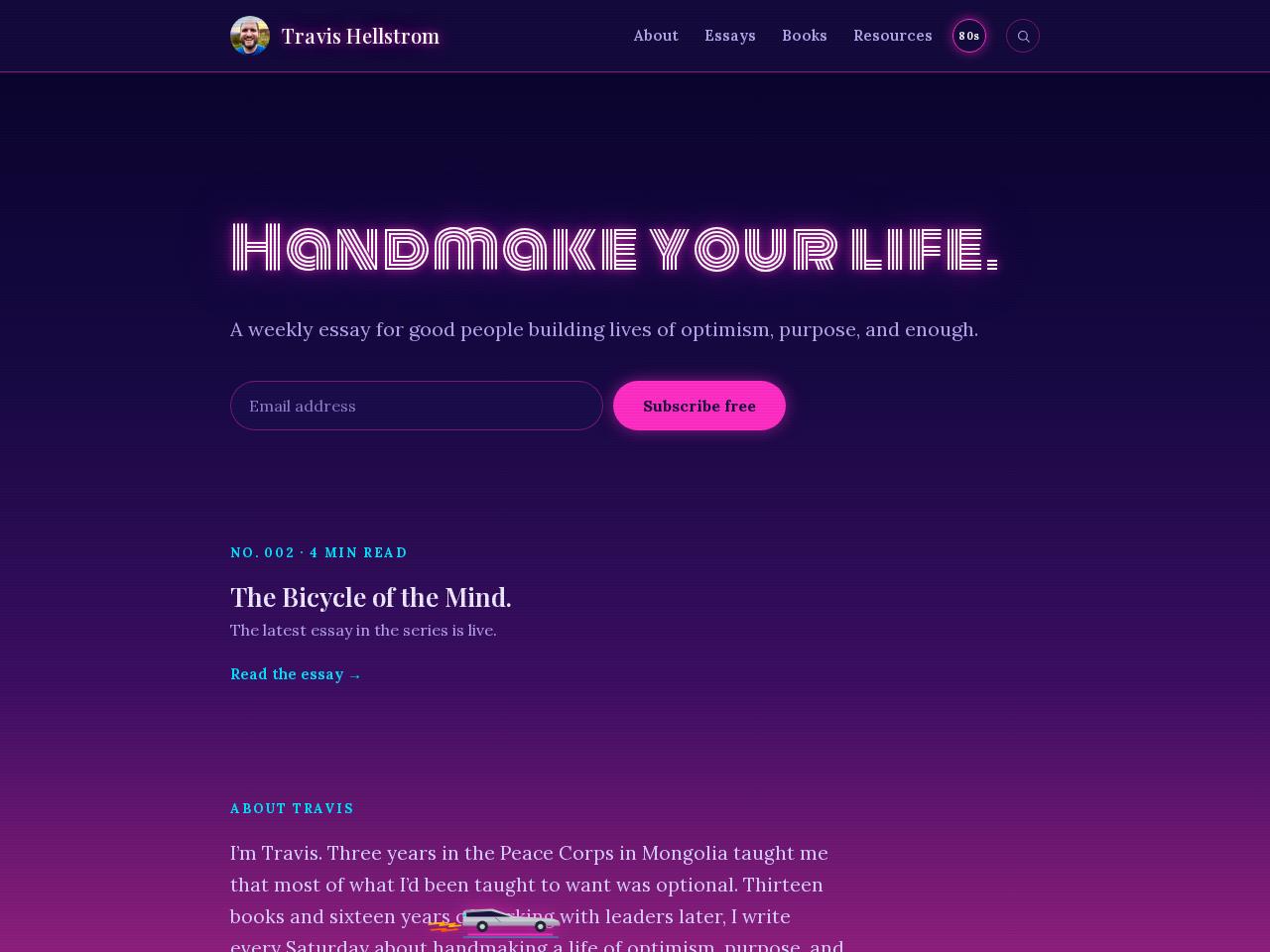
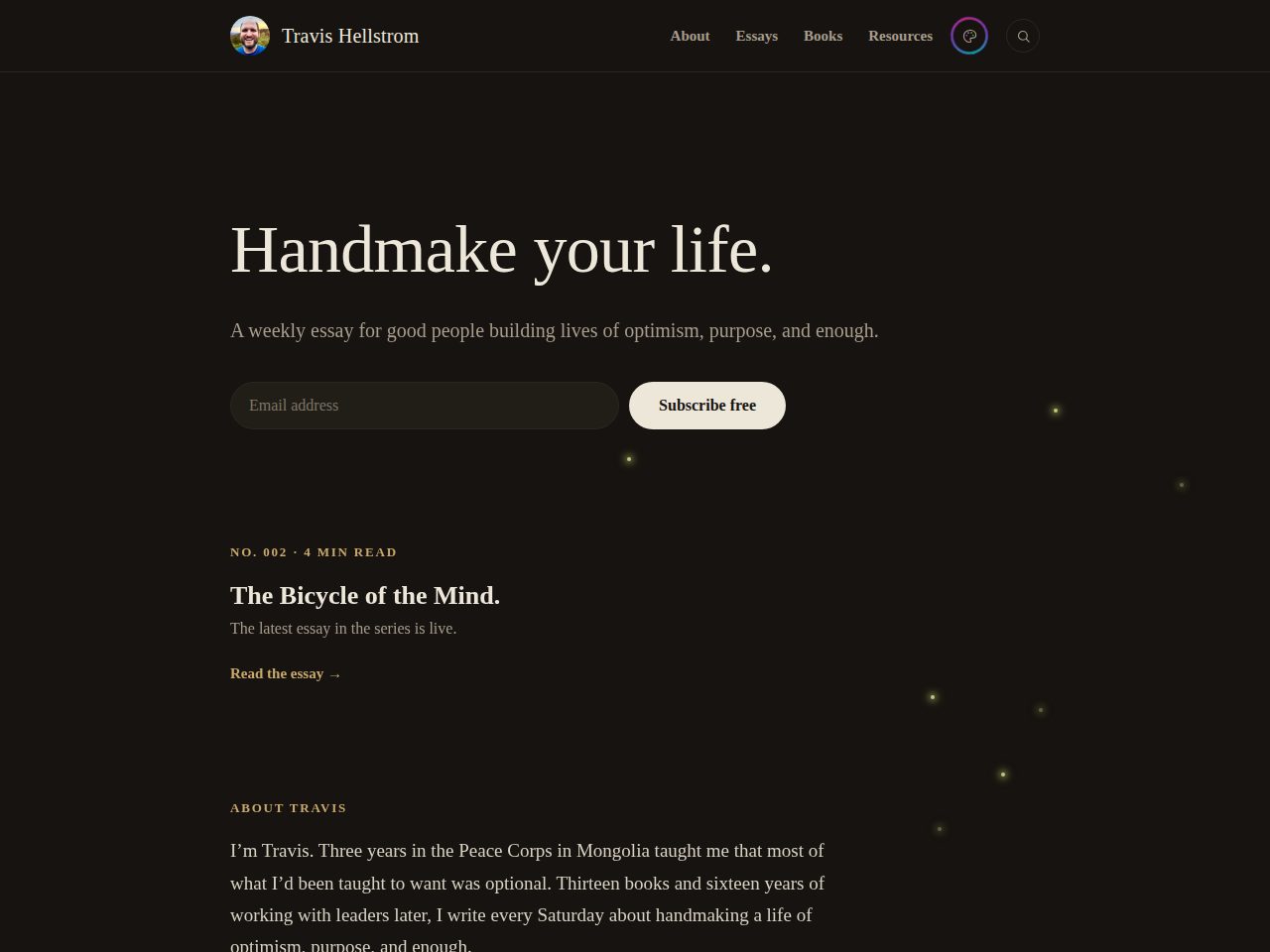
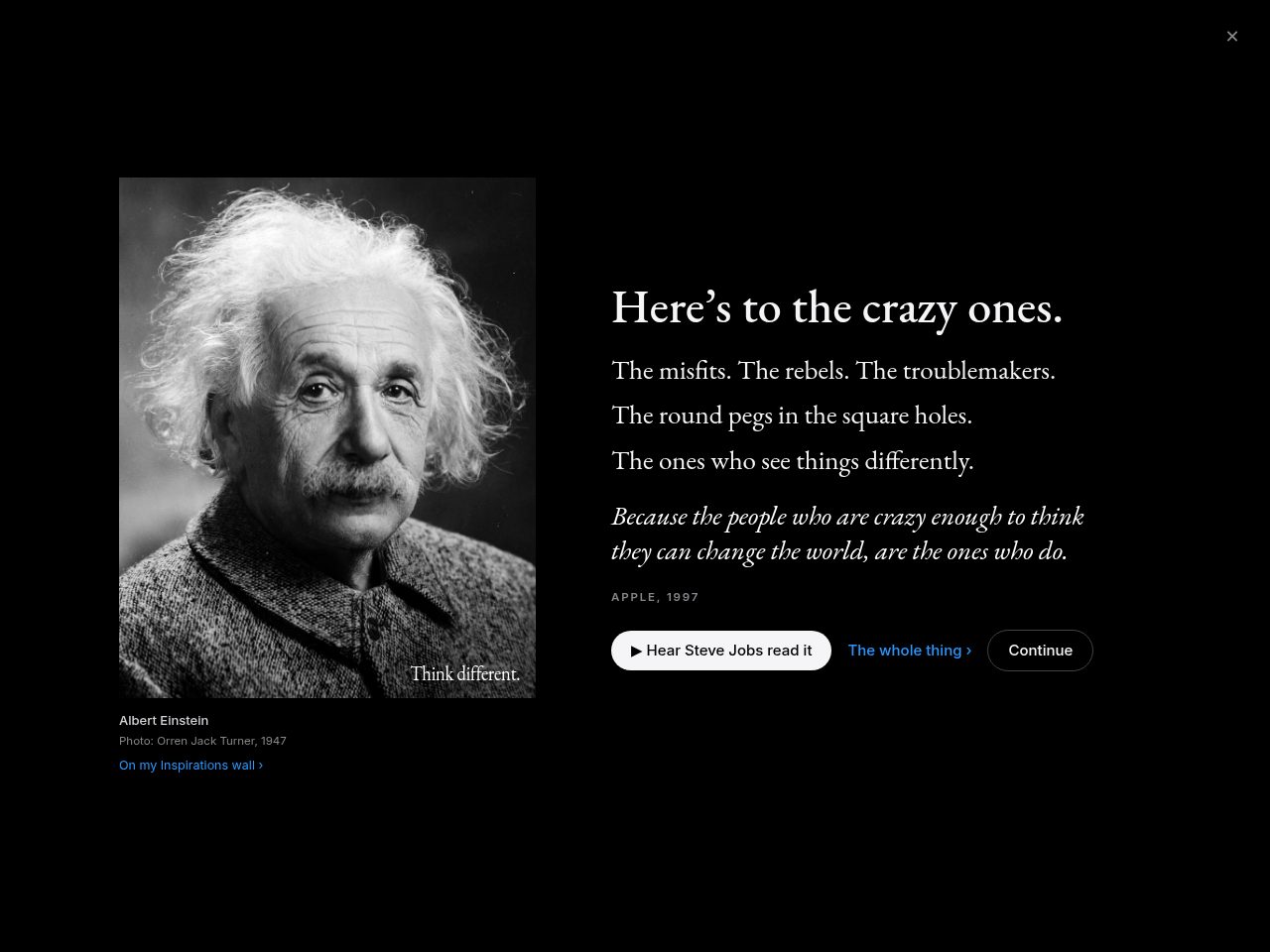
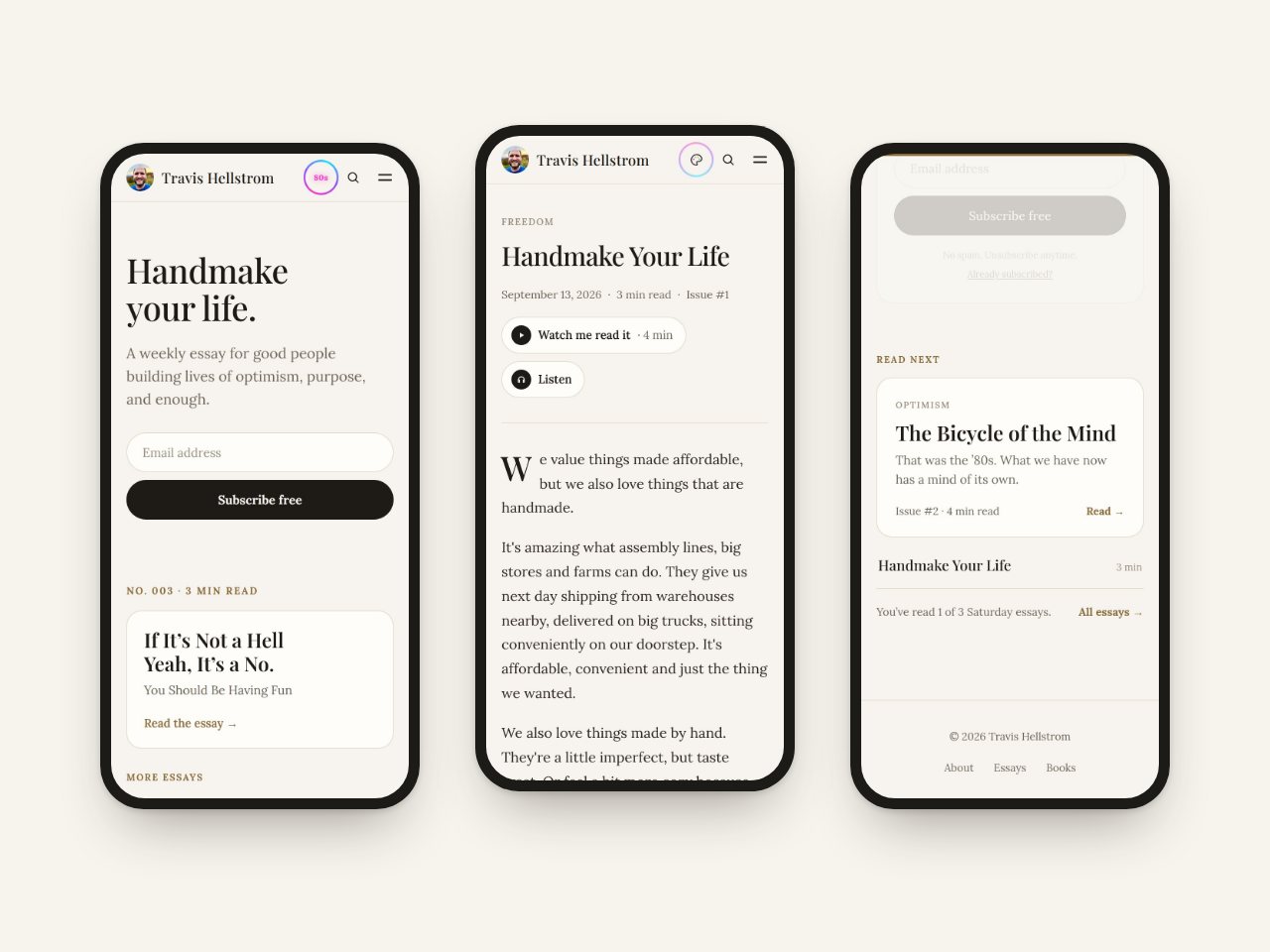
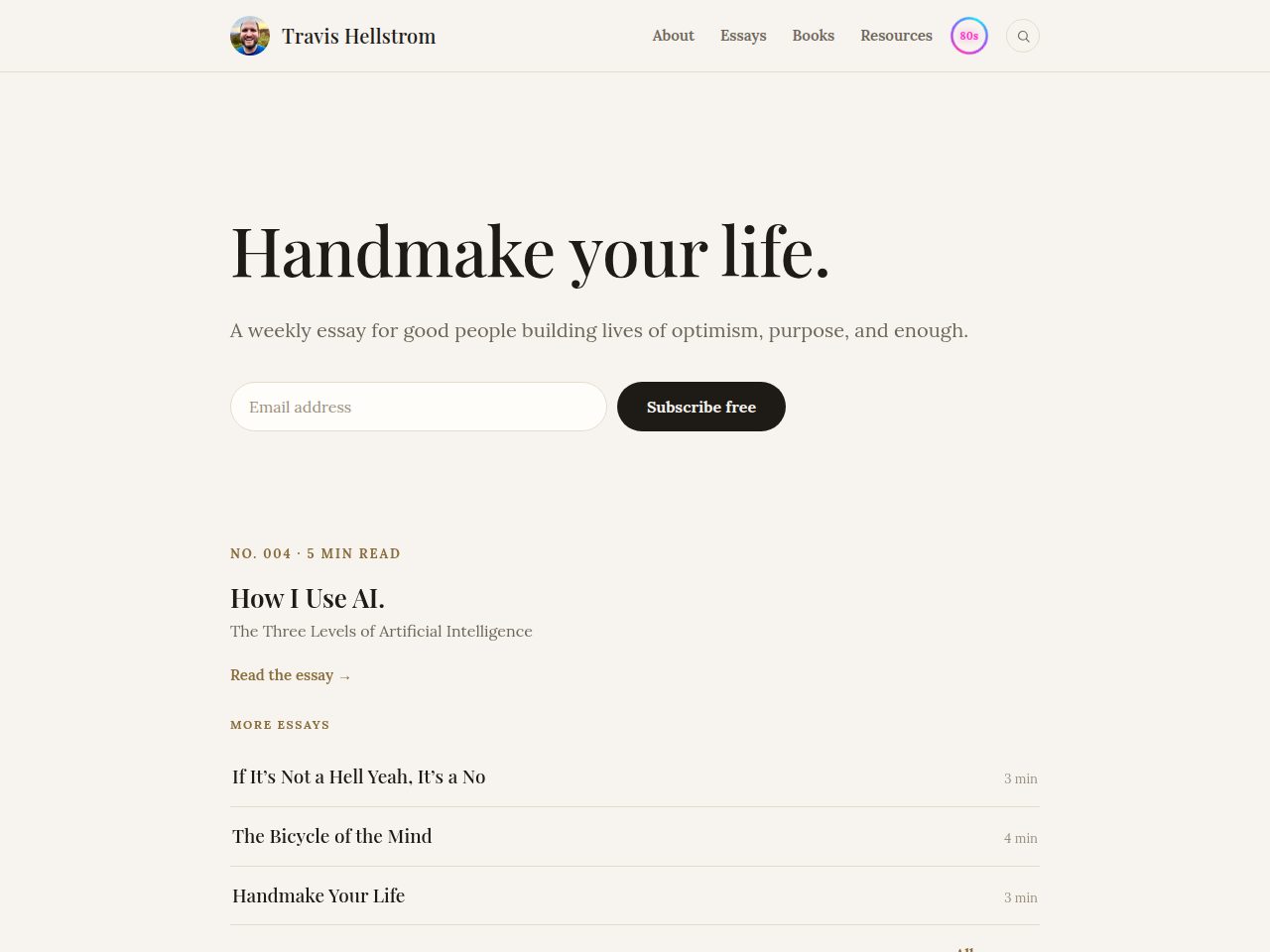
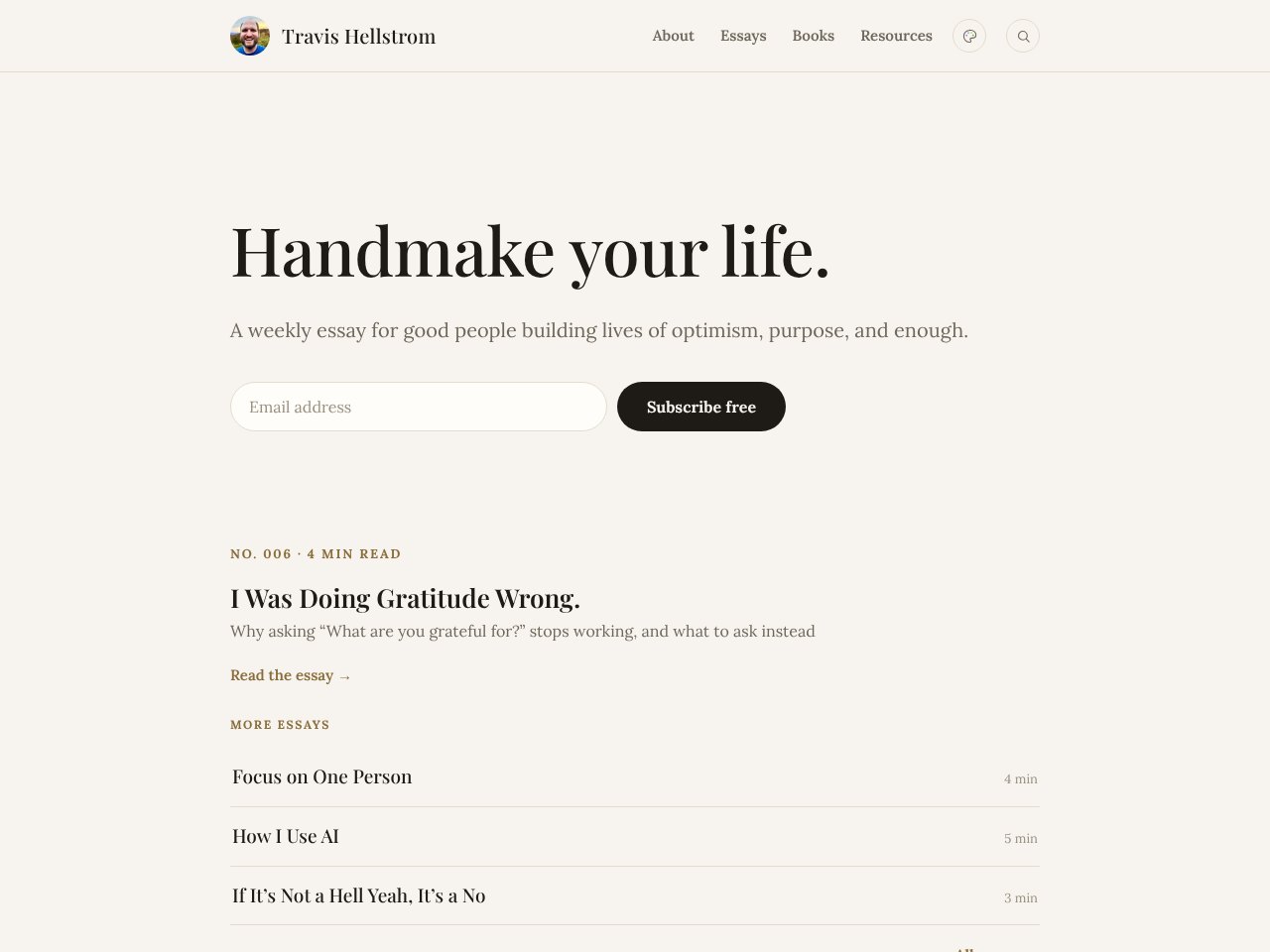
The slider above shows this site’s first weeks. The real story is more than twenty years long.
I would have told you I started blogging in 2006. The archive says January 12, 2005. My first post was called “Bananas.” I’ve been writing online ever since, always in someone else’s house.
This site is the first place that’s truly mine. My own site. My own server. All of it. It’s been a dream of mine for more than ten years. Now I get to bring everything I’ve written home, and keep every old link working.
- 2005My first blog post
- 682Posts on my old Blogger blog
- 1,071Addresses on my Squarespace site
- 1,753Old links to keep alive
How I got here
-
2005 – 2011
A Blogger blog
From “Bananas” to my last post on September 21, 2011, I wrote 682 posts. The blog later lived at blog.travishellstrom.com.
-
Late 2000s – early 2010s
Google Sites and project sites
A simple personal site on Google Sites, around 2008 to 2010, plus project sites like Advance Humanity and Everyday Humanitarian. Those sites are gone now. Some pieces I could only find again in the Wayback Machine.
-
About 2013 – 2025
travishellstrom.com on Squarespace
Articles, classes, Advance Humanity pages, and my whole Blogger archive, which Squarespace imported under /blog/.
-
September 16, 2026
This site
Plain, handmade web pages. No platform and no page builder. Just files I can read, change, and keep.
-
October 6, 2026
travishellstrom.com comes home
The address I registered in 2006 points at my own server now, every old link still works, and Squarespace is cancelled.
Why owning it matters
For twenty years my words lived on other people’s platforms. Some of those places are gone now, and pieces of my writing went with them.
Now the whole site is a folder of plain files, and every change is saved in its history. When I send a change, my own small server picks it up and the site updates by itself. The same server handles newsletter sign-ups, the Saturday email, and the tools I write with. If a platform changes its prices or its rules, I’m not stuck. I can pick up my files and go.
I’m not doing it alone. I build it with an AI coding partner. I decide what we make and what it says, and the AI does a lot of the heavy lifting. My own AI, Sky, keeps the server it all runs on. By Day 19 the site had grown past 1,000 pages, most of them my old blog coming home. The tools have never been better.
How to move without losing anything
Squarespace’s export didn’t give me what I needed to move everything. So I stopped waiting for a perfect export button and used what my old sites already show the public. If you’re planning a move of your own, here’s what worked for me.
- List every old address. Your site’s public sitemap, usually at
/sitemap.xml, is your checklist. Watch for doubles. Squarespace had imported my blog, so 680 of my 682 Blogger posts lived on both sites. - Pull the words out clean. On Squarespace, adding
?format=jsonto a collection address showed me the data behind the page. My Blogger blog’s public feed gave me the full text of every post, without the menus and clutter. - Rescue what’s gone. The Wayback Machine had saved pages from my old sites that no longer exist. Look there before you give up on anything.
- Bring every image home. Download, resize, and host every photo yourself. If the old account closes, borrowed pictures can disappear with it.
- Check every link. Old writing is full of links to places that are gone. Keep the good ones, fix what you can, and let the rest go.
- Give every old address a new home. Write down where each one lives now. When the old site points to the new one, each address gets a permanent redirect (a 301), so an old bookmark lands on the real post, not the homepage. Better still, keep the old path: my archive serves each old post at its exact old address, so most old links need no redirect at all.
- Move in waves. You don’t have to do it all at once. I started with my favorites, rebuilt by hand. Then I brought everything else over in one big archive.
Where I am today
Old addresses with a place to land1,753 of 1,753
All of them · since September 24, 2026 · most land on the very post or page, the rest on the closest related page, so none of them dies
On Day 8 the whole blog came home. Every post from Blogger and Squarespace now lives in the Blog, at its old address. The next day the last old pages moved in too. Here’s some of what has come home:
- The Blog: twenty years of posts
- Now
- Dreams
- Themes
- The story of my son’s name
- Eagle Scout
- The Optimist Center
- Advance Humanity
- My projects
- Peace Corps
- How I Stopped Biting My Nails
- My 10-Day Silent Retreat
- Everyday Humanitarians, my online conference
- Crafting Your Purpose, now free
- Influences, a class I co-taught
- B Corps
- The Perfect Cream Soda
- Inspirations
- My master’s thesis
- Press
- Books I love
- Favorite TED talks
- Favorite movies
- Stephen King reading quest
- Great speeches
- Interviews
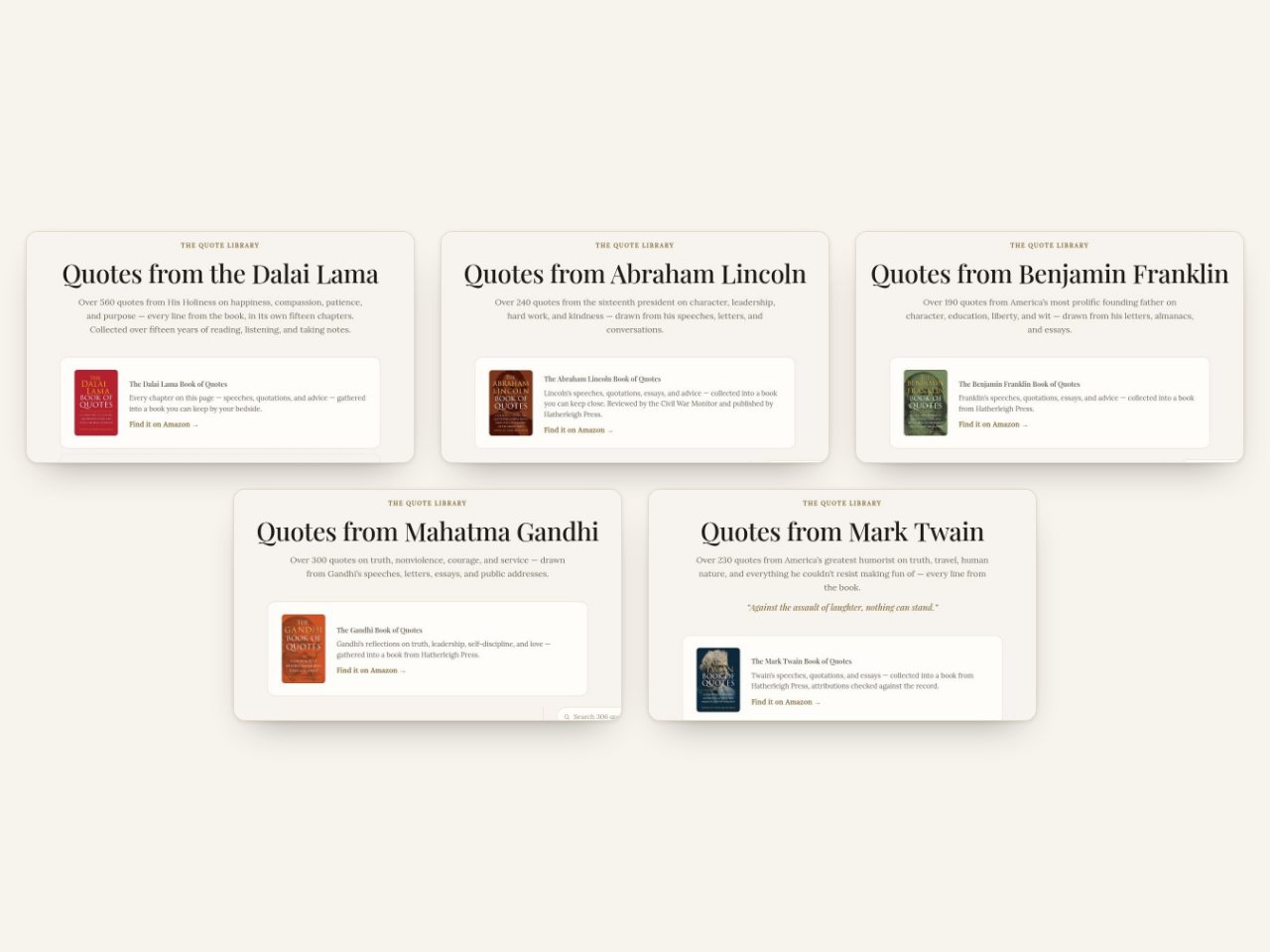
- Six quote libraries, 1,844 quotes
- How many people use AI
- Daily Gratitude
- Dad Jokes
- Focus
- Doodles
What I’ve built since
Moving in was only half of it. Here’s what came next, day by day. The log gets a new entry every week.
-
Day 9 · September 24
Every old page has a home
The last eleven pages from my old site moved in, so every old address now has somewhere to land. The same day brought my Stephen King reading quest, the story of Sky, my own AI, and a plan for moving day, when travishellstrom.com itself would come here.
-
Day 11 · September 26
Essay No. 003, and a shelf of book summaries
If It’s Not a Hell Yeah, It’s a No went out that Saturday. Around it came summaries of books I love, from The 7 Habits to Essentialism, a two-minute quiz to find your optimist type, and my old DeLorean joke, back on the page-not-found page.
-
Day 12 · September 27
First Readers
Anyone who wants each Saturday essay a few days early can now be a First Reader. And Sky’s chart of how many people use AI moved here from its own little site.
-
Day 13 · September 28
Back to the Feature
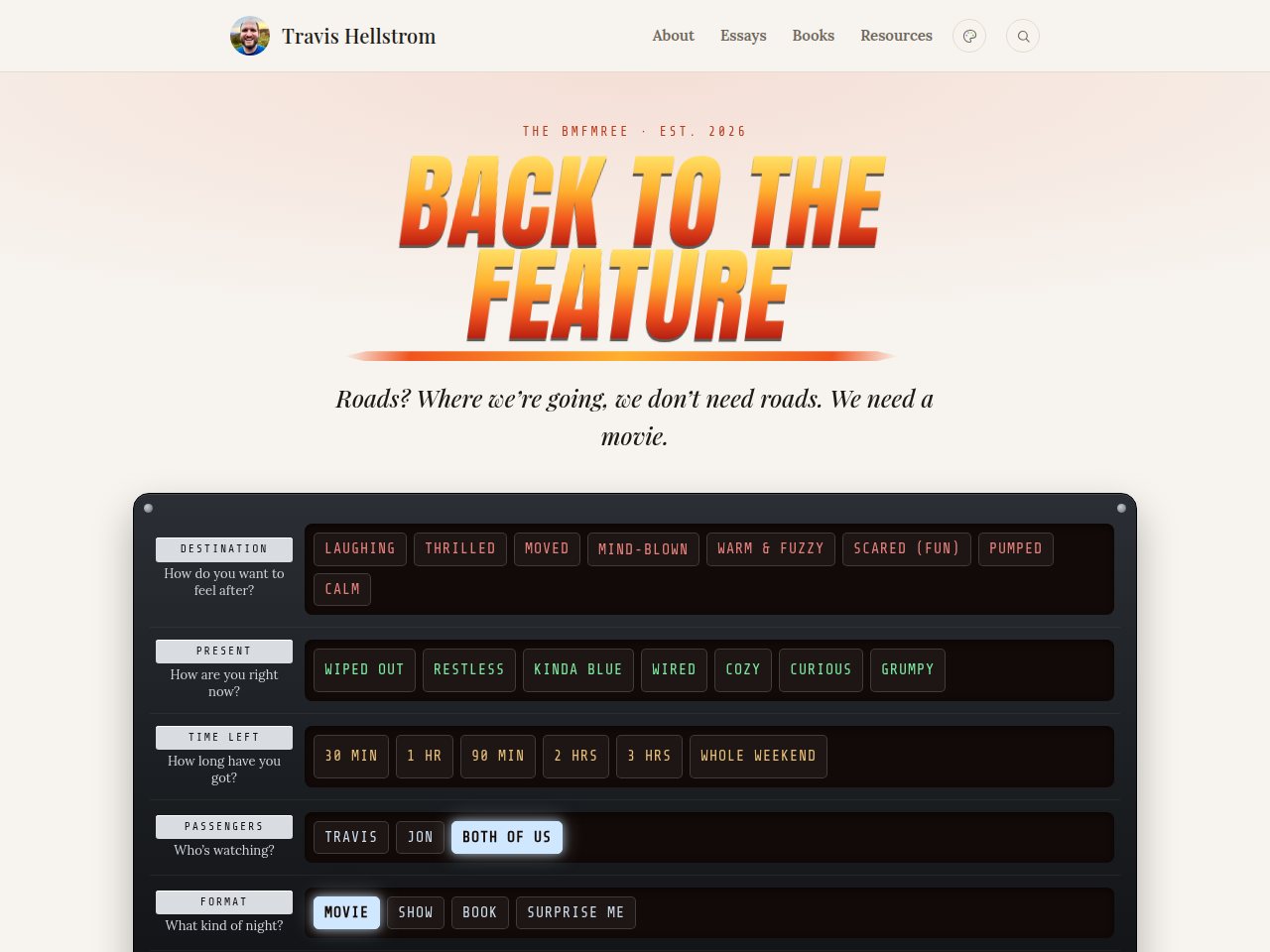
The biggest fun thing I’ve built here. My best friend Jon and I have been texting each other “what should I watch?” since high school, so we made our own movie picker and fed it 1,657 of our own ratings, from my old Jinni account to Jon’s very serious Letterboxd. Set the time circuits for how you want to feel, hit 88 miles per hour, and it picks something neither of us has seen. Our ratings save themselves, Movie Night lets us each lock in a mood from our own phones, and the Hill Valley Drive-In deals out one great film at a time.
-
Day 13 · September 28
The most playful day yet
The same day brought a library of great letters and a page for teachers who’d like an author visit. Daily Gratitude and Dad Jokes came home, and the faces on my Inspirations wall turned black and white, blooming into color when you point at them.
-
Day 14 · September 29
Keepsakes
Saved copies of the articles written about me, in case those sites ever go down, all on my Press page, plus a keepsake of the Virginia Blueprint summit, where I spoke in September. And the Apple vibe got its Think Different poster.
-
Day 15 · September 30
A picture for every link, and a site made for phones
Every page got its own preview picture, 849 of them, so a link sent by text or posted online shows the page itself. The site got easier to read on a phone, with the next essay one tap away. And 1000 Words, the little app I write in every morning, now has a version anyone can use: free, no account, and your words stay on your own device.
-
Day 16 · October 1
Rules I Live By
A new series: one story and one rule, now and then on a Saturday. Rule No. 1 came from the essay readers answered most: if it’s not a hell yeah, it’s a no. The tour at the top of this page went up the same day.
-
Day 17 · October 2
Hear me read it
The Saturday essays can be heard now, not just read. Handmake Your Life and The Bicycle of the Mind come with my own reading, as a short film and as audio. Essays can hold slideshows too, and the sidebar fades away once you start reading.
-
Day 18 · October 3
Crisper videos
Every video on the site, about ninety of them, now plays without YouTube’s clutter: no title bar, no logo, no “Watch on YouTube” button. Just the video and a quiet row of controls.
-
Day 19 · October 4
Essay No. 004
How I Use AI went out this Saturday morning, with my own reading of it.
-
Day 20 · October 5
What the first pass missed
I start every day with my Focus page, and that morning I found it had never come over. So we went back through every old address the first pass had set aside, and 29 more pages of my own work came home, among them Focus, a wall of my quote cards, my ideas list and the free classes of my Optimist Program.
-
Day 21 · October 6
Moving day
travishellstrom.com itself came home, with every old link still working, and I cancelled Squarespace. The same day I started keeping score against Derek Sivers’s guide to tech independence.
-
Day 22 · October 7
Every book on one page
Books I Love became one page for every book I’ve reviewed or loved. Some of the reviews now show what I marked in my own Kindle copy, like Essentialism and The Pathless Path.
-
Day 23 · October 8
A gratitude journal
Daily Gratitude became a journal. Write your answer to each day’s question and it stays on your own device, never sent anywhere.
-
Day 24 · October 9
Friends
Nick Gray, who keeps a directory of them, asked me to make a /friends page, so I did: a few friends, and people whose sites I follow. And the little icon in your browser tab is my face now.
-
Day 25 · October 10
Essay No. 005
Focus on One Person went out, with my reading of it as a short film. The same day Daily Gratitude got a better set of 365 questions, a “month ago today” memory under the day’s card, a Tell-them button for thanking the person you wrote about, and a spot on your phone’s home screen.
-
Day 26 · October 11
An app in your pocket
Back to the Feature became an app you can put on your phone’s home screen, with a search box for any film or show and one card per title that holds everything we know about it.
-
Day 27 · October 12
What we’ve already seen
I brought my old JustWatch lists and my Netflix history into Back to the Feature, so it stops offering me films I’ve already watched, and it learned to tell same-named films apart. It also wrote Jon and me each a profile of our taste in movies, and we each got a heart for the films dear to us, apart from the stars. I started ticking off my Stephen King books on the page itself. And seventeen lost photos went back into my old blog posts.
-
Day 28 · October 13
Make Good Art, and the Hill Valley Telegraph
Neil Gaiman’s Make Good Art joined the speeches, with Gavin Aung Than’s comic of it up top, and the speeches library became one easy list to scroll. Back to the Feature started printing a weekly newspaper from our ratings, the Hill Valley Telegraph, and Jon and I each got our own sign-in. And my essays became swipeable slides for Instagram and LinkedIn, in my own words only.
-
Day 29 · October 14
Where to watch it
Back to the Feature now knows what’s streaming where, shows real posters, buzzes your phone when the other one recommends a film, and keeps checklists of the directors, composers and actors we’ve seen the most. Daily Gratitude got a plain-words tour of what the research found. Bill Watterson’s Kenyon speech got Gavin’s comic too. And my Dreams list is whole again, every dream in one public place.
-
Day 30 · October 15
Pick your vibe
A little page that explains Pick your vibe, the palette button in the top corner that puts the whole site in Apple, 80s, Mongolia, Lego, Mars or Fireflies. It’s a Wonderful Life joined my favorite movies. And inside the desk I can now see my readers: where they came from, what they came for, and what they’ve written back.
-
Day 31 · October 16
Gratitude for kids
For my son, Daily Gratitude for Kids: the same app with questions in a child’s words, and a button that reads them aloud. Essays can now show a live app in a phone frame, right on the page. And a new page, Own Your Own, for anyone renting their website, their list and their tools who wonders what owning them would look like.
-
Day 32 · October 17
Essay No. 006
I Was Doing Gratitude Wrong went out, with an animated film of my reading. In the kids’ app, every new answer now sets off a surprise: confetti, fireworks, bouncing blocks, balloons, a rain of dinosaurs or bubbles to pop. My son asked for the fireworks.
-
Day 33 · October 18
Doodles
Thirty-eight of my hand-lettered cards from 2016 to 2019, on a Doodles page: notebook pages, pencil-to-ink stages and iPad drawings, with four time-lapses of them being drawn. A typeface drawn from my own handwriting arrived the same day, and thirty quote cards from the quote libraries, ready to share.
-
Day 34 · October 19
Posting by itself
Every Saturday essay now gets its slides made and its social posts scheduled by themselves: the films on Sunday, the slides on Wednesday. How I Use AI got a reworked film. And the scheduled jobs that keep this site running moved out of my chats into quiet routines of their own.
-
Day 35 · October 20
Every old address, even the odd ones
Every address at advancehumanity.com, my old company’s site, now lands on a page here, whatever was typed before the dot. In the desk, bold and italics show as I type, and I can search inside my ideas. And Own Your Own now says who it’s for.
-
Day 36 · October 21
Ten ideas a day
A little private notes app, on my phone’s home screen and in my Mac’s dock, with a place for ten ideas a day. The tenth one sets off a celebration borrowed from the kids’ gratitude app. And two of the site’s chores now run as plain scripts, with no AI at all.
-
Day 37 · October 22
This page, every week
From now on this log gets a new entry every week, written from the site’s own change history. And my writing coach in the desk became an editor: it gathers my own words on a subject from every draft and morning page into one draft, with its questions in yellow. It still never writes a sentence for me.
Where I write: the Writing Desk
The part of this site you’ll never see is the one I use most. The Writing Desk is my own little writing app, built for this site and running on my own server. Every Saturday essay begins and ends there.
My day starts on a blank page. 1000 Words, the app I write my morning pages in, moved into the desk on Day 15, so the first thing I see is an empty page and a little dot that turns green at 1,000 words. While I type, everything else fades away.
Good lines from those mornings become seeds. Seeds grow into drafts. A finished draft gets a Saturday, and that morning it goes out by itself, to this site and to your inbox, through my own homemade email system. There’s no Publish button. I just pick the Saturday.
The desk opened on Day 4, when The Bicycle of the Mind became the first essay published from it, and it has grown a lot since. First Readers can read a draft early through a private link. Essays can carry pictures and slideshows. I can send myself a test of Saturday’s email before it goes out. And it works one thing at a time, on purpose: a draft opens quiet, just the title and the words.
The essays themselves I still write by hand, every word. The desk just keeps everything else out of the way.
The Big Move
I keep one checklist for the whole move, from the first page to the day I turn off Squarespace. Here’s where it stands.
Steps of the move done49 of 52
From my moving checklist · as of Oct 14, 2026
-
Phase 0Done
The build
The new site stands on its own, and the first wave of writing is home.
5 of 5 steps
-
Phase 1Done
Coexistence
Both sites stayed up while the archive came over and Google learned the new addresses. The old site’s one job was to send readers here.
20 of 20 steps
-
Phase 2Done
Moving day
October 6, 2026: the day travishellstrom.com itself came here, every step written down and rehearsed.
12 of 12 steps
-
Phase 3We are here
Afterglow
Squarespace is cancelled. Now the dust settles while Google catches up with the new address, and the last loose ends get tied.
12 of 15 steps
Moving day came once all three of these were true:
- Everything worth keeping had moved off Squarespace (true)
- New pages were showing up in Google searches (true)
- I said go (true)
Where it goes next
Every old page has a home here now, and since moving day, October 6, every old link lands on it: travishellstrom.com itself points here, and my old Blogger blog forwards too. The goal hasn’t changed: no dead links left out there.
Next, I’ll go looking for the photos and videos my old posts lost along the way. About a hundred are still missing, and I’ll put each one back as I find a copy. Every Saturday, a new essay. And every week, a new entry in the log above.
I’m doing all of this in public so you can learn from it. If you dream of your own site and your own server, I hope this helps, and my scorecard against Derek Sivers’s guide is on Tech Independence. If I can do it, you can too. Subscribe and reply to any Saturday email with your questions.