GoChess Review: I Waited 2.5 Years for a Robot Chessboard
A small robot under the board moves the pieces for you. I was one of the first 40 people in the world to get one, so I filmed the whole first day.
GoChess
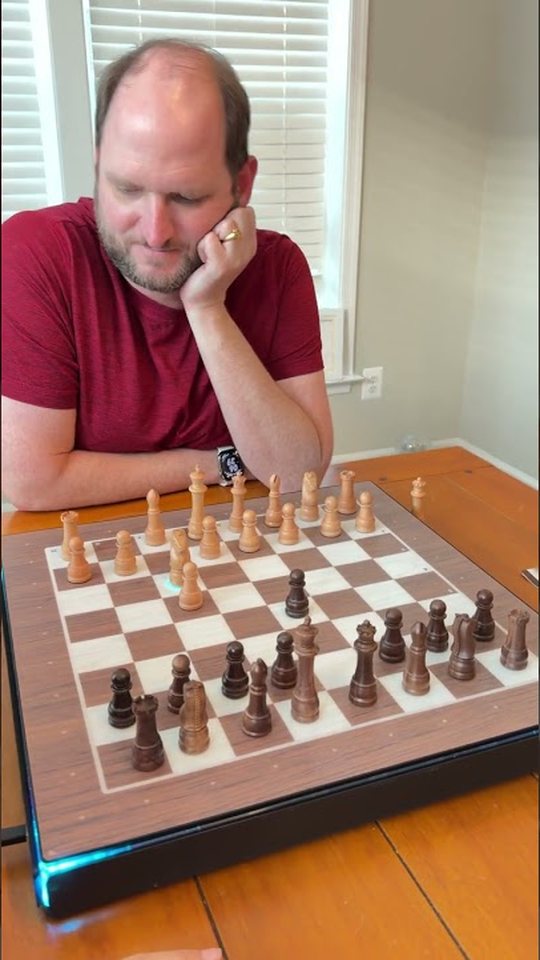
A robotic smart chessboard by Particula · play across the table, against the built-in AI, or online through Chess.com
See GoChessI waited two and a half years for a robot chessboard
I backed GoChess on Indiegogo two and a half years before it showed up at my door. By the time it shipped, the campaign had passed $4 million from more than 10,000 backers, and GoChess was sending the very first boards to a small group of beta testers. I was one of them, one of the first 40 people in the world to have one. So I filmed the whole first day.
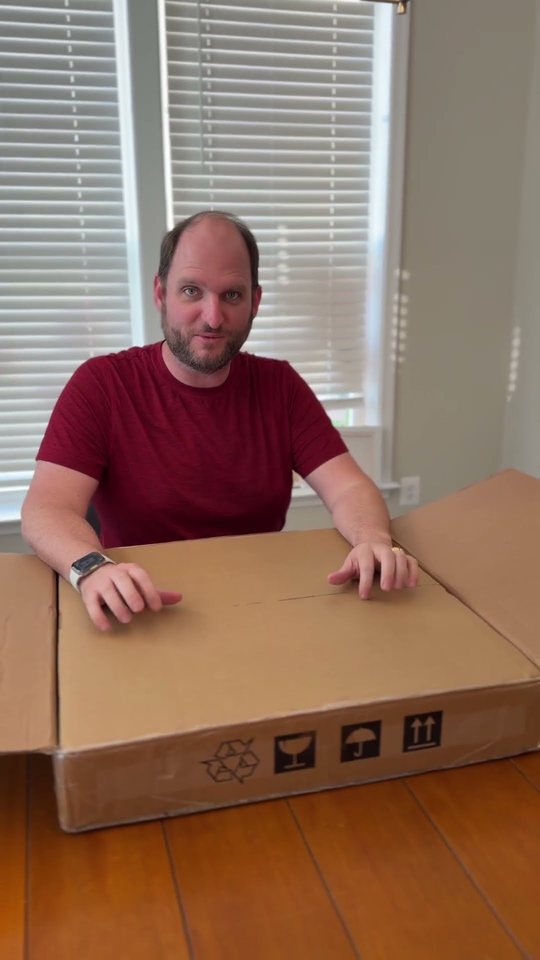
Watch the whole first day on TikTok →
What it is
GoChess is a chessboard with a small robot living underneath it. The robot has wheels and a magnet on top, and it slides around under the surface to move the pieces for you. You can play a person sitting across from you, play against the built-in AI, or play online through Chess.com and watch your opponent’s moves happen on your real board. It comes from Particula, the same team that made the GoCube smart Rubik’s cube.
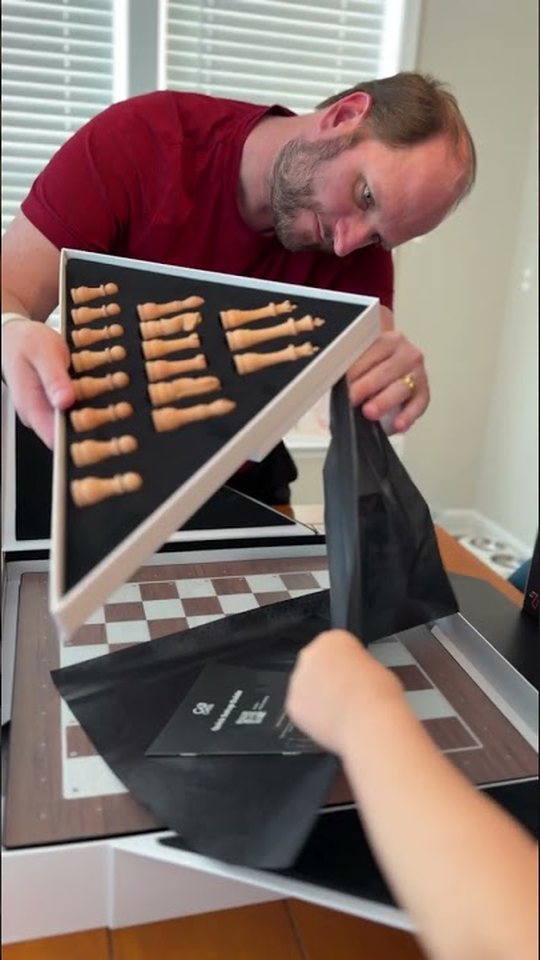
Unboxing
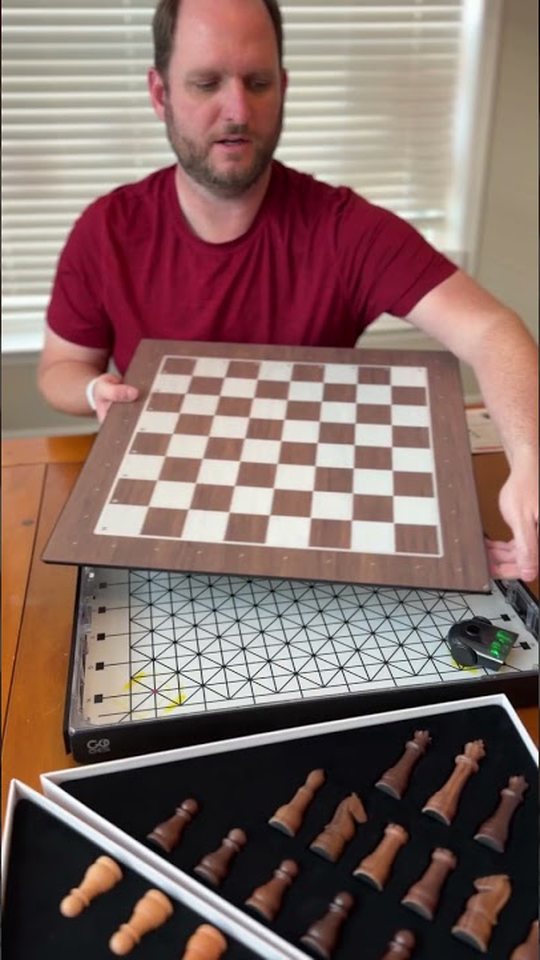
The box is heavy, and the packaging is genuinely beautiful. You can order a black-and-white set or a wooden set. I went with wood: light and dark brown pieces that are heavier than I expected, and the whole thing has that new-car smell. Inside you also get a surface care kit, a phone stand, a USB cable, and a storage pouch.
Setup
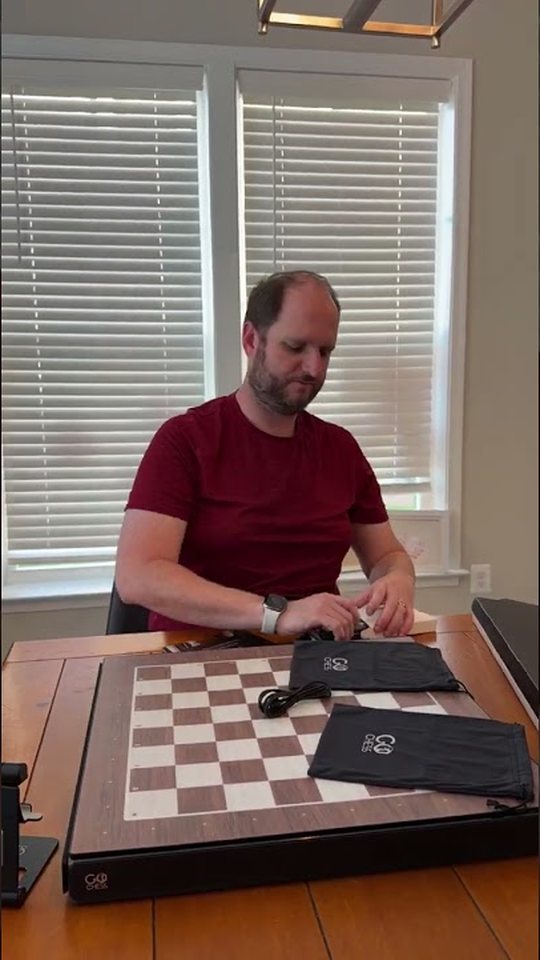
Setup took a little while. You turn the robot on, place it inside the base until its light turns green, plug in the robot and the base, press the power button (and the edges light up), then pair it with the GoChess app. The app calibrates the robot and lights up each square so you know where every piece goes.
First game
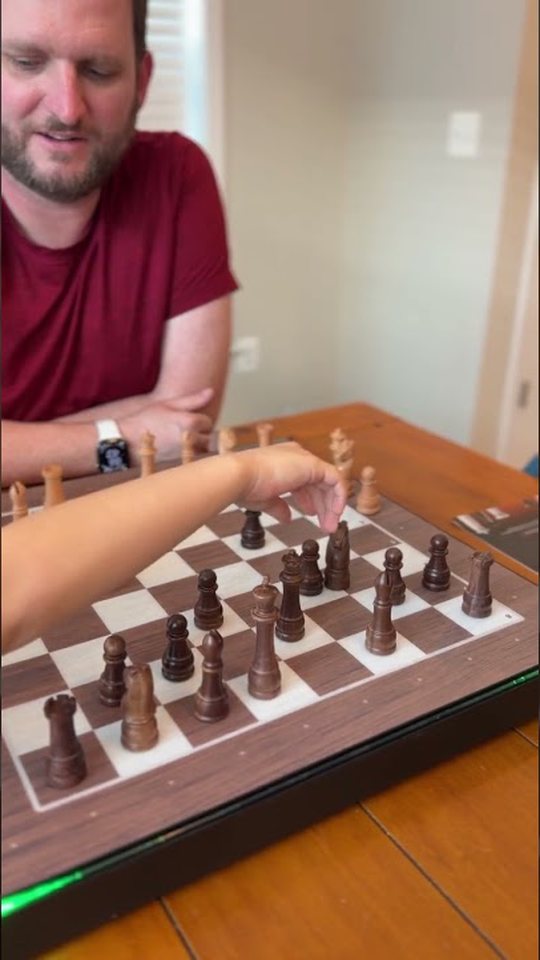
We played white against the AI. The board lights show the computer’s suggested moves, the app keeps track of everything, and the first time the robot slid over and took one of my pieces, I’ll admit it was really cool.
It wasn’t perfect. When I tried to castle, the robot couldn’t route my rook around the king and got confused, and once I’d moved a piece the “wrong” way it didn’t always recover on its own. It was a beta unit, so I expect updates to smooth that out.
Early verdict
What I loved
- Gorgeous wooden pieces
- A real sense of magic when the pieces move themselves
- Chess.com play on a physical board
- A family-friendly way to get kids into chess
What to know
- Setup takes some patience
- The robot is quiet but not silent
- Castling tripped it up in my first game
Since then, the board has held up great, and I would absolutely buy it again.
From our chess dashboard with Sky
Sky, my AI assistant, built me a private chess dashboard months ago. It pulls my games from Chess.com and shows my rating over time, the days I played, my best wins, the openings I use, and a coaching tip. Here’s what it shows for my Daily games (the whole public version has every game), where you get a day or more for each move.
See every game on my chess dashboard: openings, best wins and more →
From Chess.com’s public stats, November 2026. Challenge me on Chess.com.
Resources
- GoChess at Particula
- Chess.com, for playing online on the board
- The six clips on this page: Opening the package, Opening the box, Setup timelapse, Turning on the robot, First play and More play